Setup
How to Test Combat Master Cheats Safely
Your first night with combat master cheats should not be a ranked marathon. Test in controlled steps so you learn menus, confirm overlays work, and avoid obvious settings that get reported.
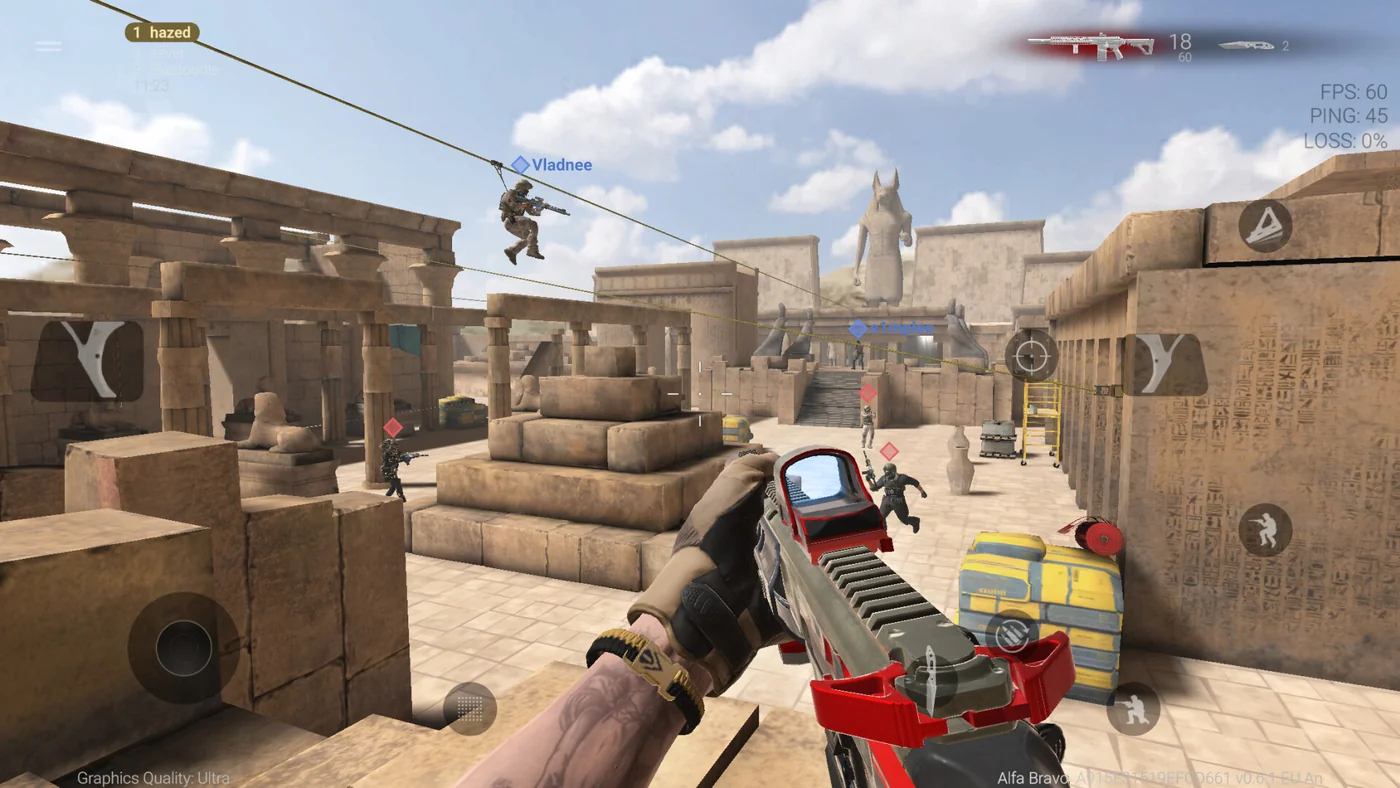
Before you launch the game
Read Setup fully. Disable conflicting overlays. Run the loader as admin on Windows PC. Confirm Status is green for your client version.
Write down your license and order ID for Support before you need them mid-match.
A safe first session plan
Step one: ESP only, no aim assist. One casual TDM or private match. Learn toggle keys and filter menus.
Step two: add soft aim at high smoothness and small FOV. Step three: ranked only after you can play a full match without menu panic. Settings help: natural cheat settings.
When something breaks
After a Combat Master update, stop if boxes drift or aim feels wrong. Do not stack mods from other vendors.
See status after patches. Most issues are outdated builds, not broken PCs — support resolves faster when you send version, Windows build, and a short description.