Combat Master Cheat Download and Installation on Steam
Safe Combat Master cheat download steps for Steam on Windows 10/11. Checkout, loader install, DMA notes, and first-launch checks.
Searching combat master cheat download surfaces risky mirrors, keygens, and fake Discord bots. The only download you should trust is the one tied to a purchase through combatmastercheats.net. This walkthrough covers checkout, installer placement, Steam launch order, and security settings that gate full functionality.
Step 1: Purchase and retrieve the loader
Pick Monthly ($35) or Lifetime ($150) at checkout, complete payment, and follow the delivery email or customer panel. Download the loader to a folder you control—avoid Desktop shortcuts that sync to cloud drives if your policy blocks unsigned binaries.
Step 2: Prepare Windows and Steam
Install Combat Master from Steam if you have not already. Update Windows 10/11 so optional security features match what the readme describes. When HVCI, Core Isolation, TPM, and Secure Boot are enabled—the default on many new PCs—cloud DMA must be configured per the vendor guide for full functionality. Skipping DMA prep leads to partial menus or attach failures, not a broken game.
- Run Steam as normal user; avoid experimental beta branches unless support confirms
- Close overlay tools that inject globally if the FAQ tells you to
- Whitelist the loader folder in Windows Defender only when instructions say so
- Verify Secure Boot and TPM states in msinfo32 before blaming the cheat
Step 3: Launch order
Typical order is: open the loader, authenticate, inject or map as directed, then start Combat Master from Steam. Wait until the main menu loads before toggling ESP or aimbot hotkeys. Jumping into a TDM lobby too early can skip hooks.
Step 4: Verify features in a private lobby
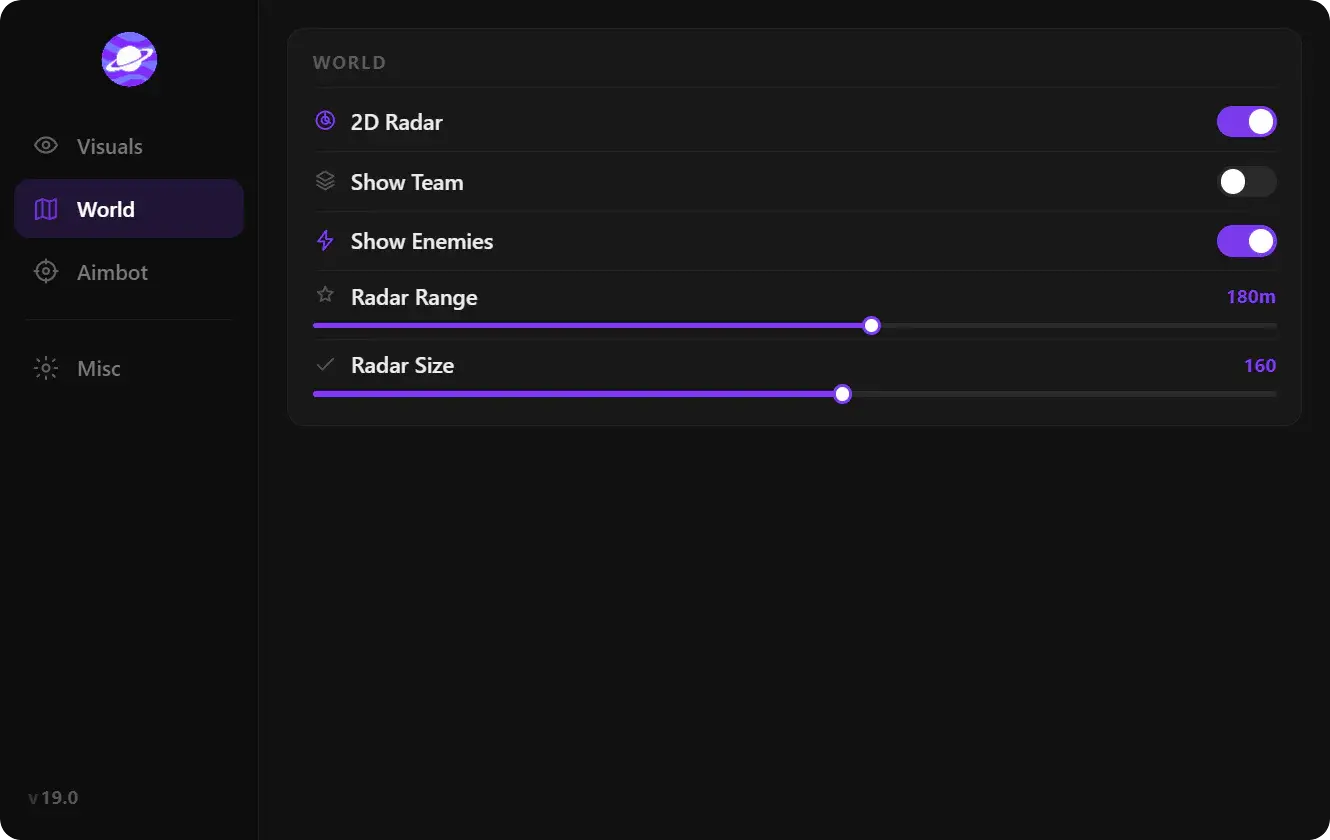
Test Player ESP and radar in Deathmatch or a custom lobby with friends. Confirm no recoil toggles on your main weapon before entering Combat Zone. Adjust stream-proof overlay before streaming.
Common install mistakes
Installing to a path with non-English characters or synced OneDrive folders sometimes breaks loader authentication. Use a short ASCII path on an internal SSD. Running the loader without administrator rights when the guide requires elevation can cause silent inject failures—read the privilege note each patch.
Another mistake is launching Combat Master before Steam finishes cloud sync of settings. Wait until the main menu renders, then attach. If DXGI overlays from other apps fight the stream-proof layer, close those apps for a test match on Drain TDM.
After install maintenance
Pin the vendor panel link in your browser. Updates land there first. When Windows installs a cumulative patch, reboot before blaming the cheat for failed attach—stale kernel modules confuse setup until you restart cleanly.
Keep a notepad of working keybinds per mode. Reinstalling without backing up configs wastes time. Screenshots of working ESP settings on Cargo help you restore quickly after updates reset profiles.
Steam integrity checks
Right-click Combat Master in the library, open Properties, and verify game files if inject succeeds but features never draw. Corrupted shaders happen after hard power-offs. Relaunch Steam as a standard user account—not a secondary portable install on exotic paths.
FAQ
Is there a free Combat Master cheat download?
No legitimate free build is offered here. Scraped "free" sites are unrelated and often malicious.
Why does install fail with security on?
Hardened Windows needs the supported cloud DMA path. Read the DMA section in setup docs before disabling security features.
Can I move the install to another PC?
License rules follow Zadeyo policy—check the post-purchase panel for HWID reset limits.