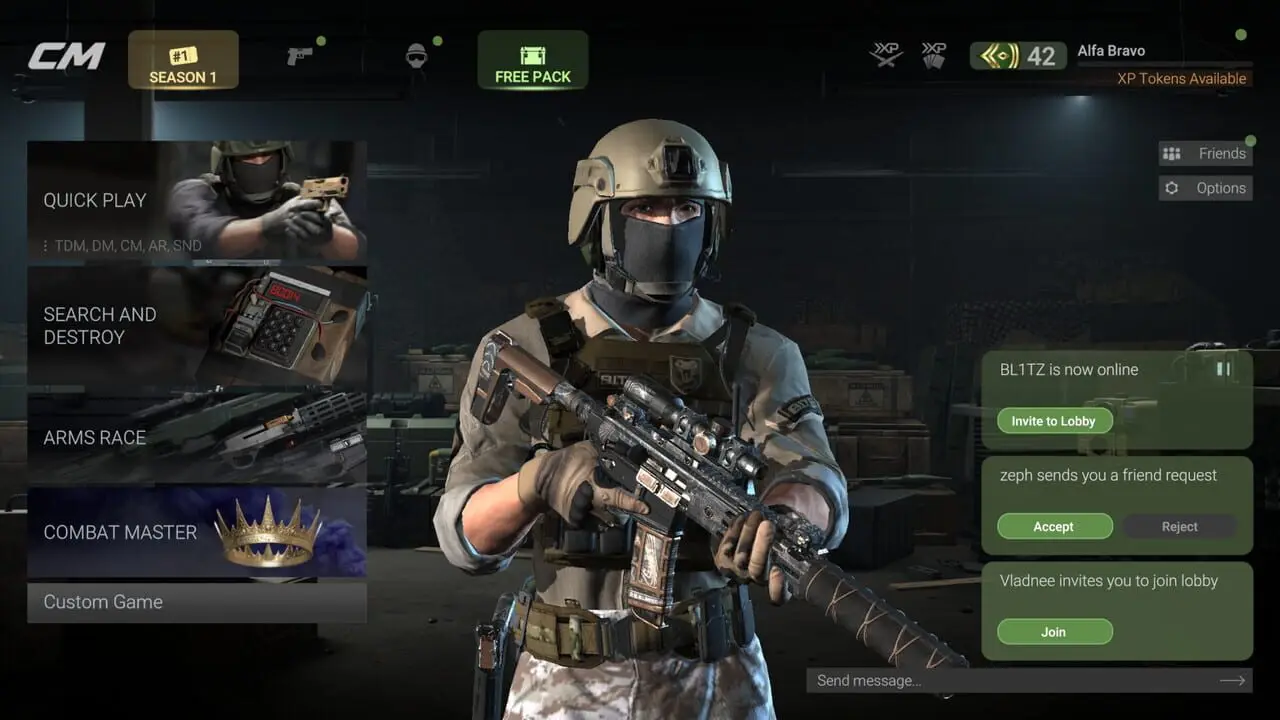
Combat Master Cheats for PC: Windows and Steam Compatibility
Run Combat Master cheats on PC: Windows 10/11, Steam installs, TPM, Secure Boot, HVCI, and cloud DMA requirements explained plainly.
Combat master cheats for pc should mean a Steam client on a desktop tower or gaming laptop—not console, not mobile cloud streaming. The supported matrix is narrow on purpose: fewer variables mean faster updates after Combat Master patches.
Operating system expectations
Windows 10 and Windows 11 64-bit are the target. Keep cumulative updates current so kernel mitigations match what the loader expects. Virtual machines, Steam Deck Windows images, and dual-boot Linux hosts without the documented path are out of scope unless support posts otherwise.
Security stack and cloud DMA
Modern PCs ship with Virtualization-based Security, HVCI (Memory Integrity), TPM, and Secure Boot enabled. On supported builds those settings block legacy injection styles. Cloud DMA is required for full functionality when those features stay on. Plan budget and setup time for DMA before assuming a simple .exe drop-in.
- Confirm TPM present and on in BIOS
- Check Core Isolation / Memory Integrity in Windows Security
- Document Secure Boot state before troubleshooting attach errors
- Follow vendor cloud DMA onboarding before blaming the cheat
Steam client hygiene
Install Combat Master from the official Steam library. Avoid unsupported depots or beta branches that change memory layouts without notice. Close conflicting overlay injectors if setup guides mention them.
Performance tips
ESP and radar add GPU overlay work. On mid-tier laptops, cap FPS slightly and reduce skeleton overlays in Combat Zone finals. Desktop users with spare headroom can run full ESP palettes during Hangar scramble modes.
Laptop versus desktop
Gaming laptops with hybrid graphics need a consistent discrete GPU assignment for Combat Master in Windows settings. MUX switches that flip to integrated graphics mid-session can freeze overlays. Desktop builders should keep XMP and resizable BAR enabled only when vendor guides approve—exotic BIOS tweaks are not required for baseline play.
Thermals throttle CPU during long BR sessions. A cooling pad and capped FPS keep attach stable when fans ramp.
Peripherals and input
Raw input on, mouse acceleration off. Combat Master rewards crisp flicks during parkour. High poll rate mice pair well with moderate aimbot smoothing.
Avoid remote desktop play from another device—the cheat targets local Steam on the host PC. Cloud streaming clients are unsupported in the verified matrix.
Disk and antivirus
Store the loader on an NTFS volume with free space for temp extracts. Aggressive cleaners that wipe folders on reboot will delete configs unless you exclude the vendor path.
Windows Defender Controlled Folder Access can block writes to Documents—relocate profiles only when docs instruct.
FAQ
Does it work on Windows Home?
Yes, Home and Pro both run the Steam client. Security features matter more than SKU edition.
Can I disable Secure Boot to skip DMA?
Disabling security may allow partial functionality on unsupported paths, but you weaken the machine. Prefer the documented cloud DMA route.
Is Mac or Linux supported?
Not in the verified list. PC here means Windows with Steam.